Circuit AI Generator: How It Works and How to Use
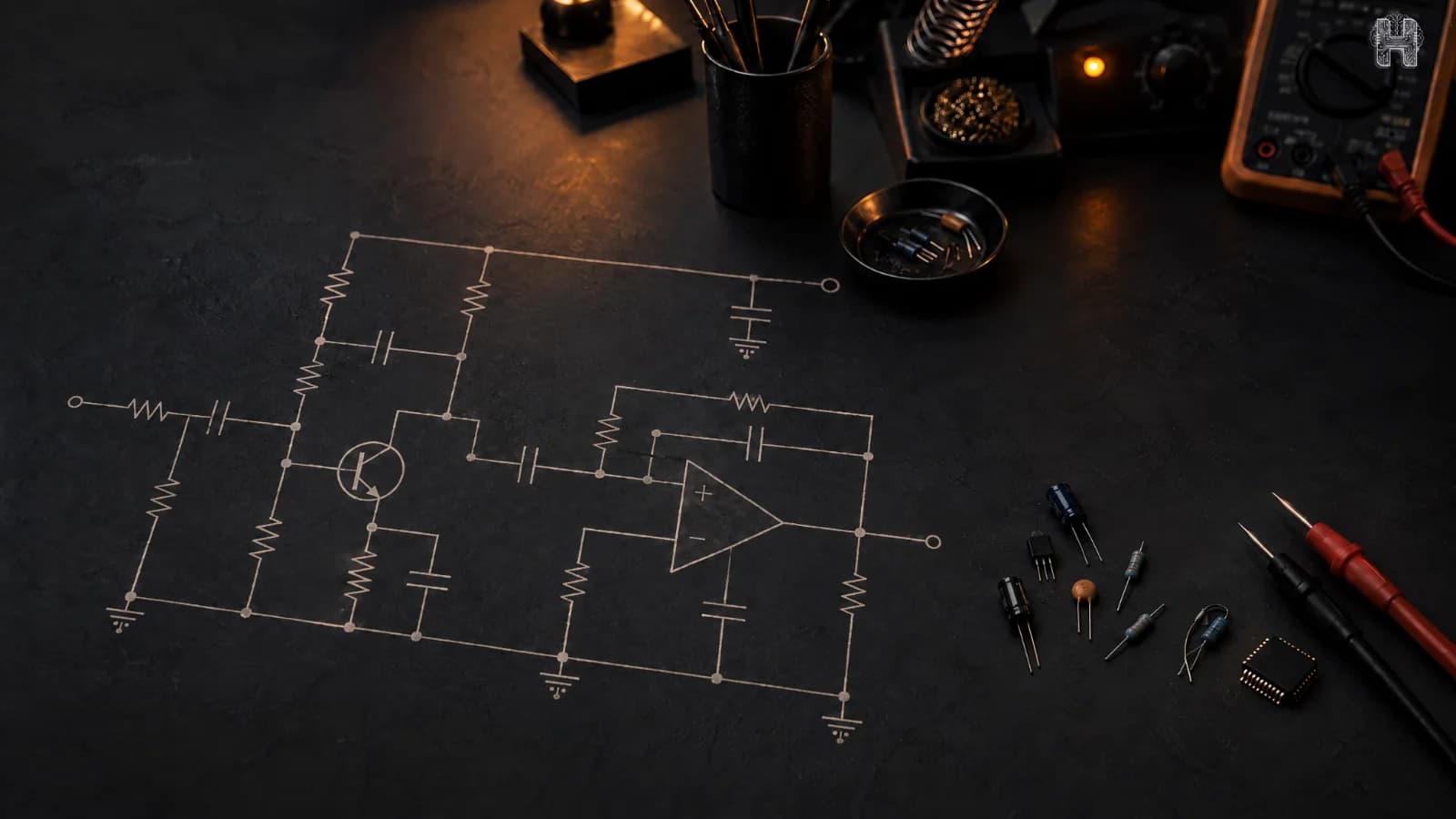
A Circuit AI generator helps turn an electronic idea into a circuit schematic using artificial intelligence. Instead of drawing every connection manually, users can describe what they want to build and use AI to simplify the circuit design process. For students, hobbyists, and engineers, this can make electronics design more accessible and efficient.
Helektron.ai is a browser-based AI circuit design tool that brings AI into circuit and PCB design. It helps users move from an idea toward a practical design without installing traditional desktop software, making it easier to explore electronics projects and develop circuit schematics online.
What Is a Circuit AI Generator?
A circuit AI generator is a tool that uses artificial intelligence to help create electronic circuit diagrams from user instructions. An AI circuit diagram generator can interpret a design requirement, identify relevant components, and generate a schematic based on the requested functionality.
Unlike a basic circuit diagram generator that primarily provides drawing features, an AI schematic generator focuses on assisting with the design process. Depending on the tool's capabilities, it may also support component recommendations, design refinement, and PCB design workflows.
Helektron.ai brings these capabilities into a browser-based environment, helping users explore AI circuit design without relying entirely on manual schematic creation.
How Does a Circuit AI Generator Work?
An AI circuit generator generally follows a series of steps to transform an idea into a circuit design.
1. Describe your circuit idea: Start by explaining the circuit's purpose, input voltage, expected output, and important requirements. For example, you could describe a simple LED indicator powered by a 5V supply.
2. Interpret the requirements: The AI processes the instructions to understand the circuit's intended function and identify relevant design requirements.
3. Identify suitable components: Depending on its capabilities, the AI may suggest components such as resistors, capacitors, transistors, or voltage regulators.
4. Generate the schematic: An AI schematic generator creates a circuit representation with components and connections. Users should review the resulting design before proceeding.
5. Refine and verify the design: Check component values, pin connections, voltage limits, and electrical requirements. Simulation and rule checking, where available, can help identify potential issues.
This workflow explains how text to circuit AI can simplify early design stages while keeping engineering verification essential.
How to Use Helektron.ai as an AI Circuit Design Tool
Helektron.ai provides a browser-based approach to circuit and PCB design, allowing users to work without downloading traditional desktop applications.
A typical workflow for using an AI circuit builder includes:
- Define your objective: Decide what the circuit should do and specify its electrical requirements.
- Describe the design: Provide a clear description of the circuit, including inputs, outputs, and any component preferences.
- Generate and inspect the schematic: Review the generated circuit and confirm that its components and connections match your requirements.
- Make improvements: Refine the design wherever necessary and check electrical compatibility.
- Continue toward PCB design: Where supported by the available workflow, use the schematic as a starting point for PCB layout and further design work.
This approach makes Helektron.ai relevant to users exploring AI circuit design for beginners, as well as those seeking a more accessible electronic circuit design software workflow.
Can AI design circuits?
Yes. AI can design many common circuits, including LED drivers, power supplies, sensor circuits, motor drivers, and amplifiers. Complex or safety-critical designs still need an engineer’s review, so treat the output as a fast, structured starting point.
Can AI generate a PCB layout?
Yes. Helektron goes beyond the schematic. As an AI-powered PCB design tool, it produces the PCB layout and manufacturing files too. AI schematic generation for PCB design removes the slowest manual steps between an idea and a board you can send to fabrication.
What can you build with an AI circuit generator?
Common examples include LED drivers, power supplies, sensor circuits, motor drivers, and amplifiers. These cover many hobby, education, and professional projects.
For further details contact Team Helektron at +91 87965 06854
Read- Design Your First Circuit with AI: A Step-by-Step Guide for Students
Create you circuit now by clicking directly on- chat.helektron.ai
Visit website- Helektron.ai
Frequently asked questions
Is there a free AI circuit generator?
YES, Helektron lets you try the tool for free at chat.helektron.ai
Can AI replace circuit designers?
No. AI removes repetitive work such as component lookup, drawing, and rule checking. Engineers still make the decisions about requirements, safety, and trade-offs. Helektron is designed to speed up your workflow, not replace your judgment.