7 Common PCB Design Mistakes Beginners Make and How to Avoid Them
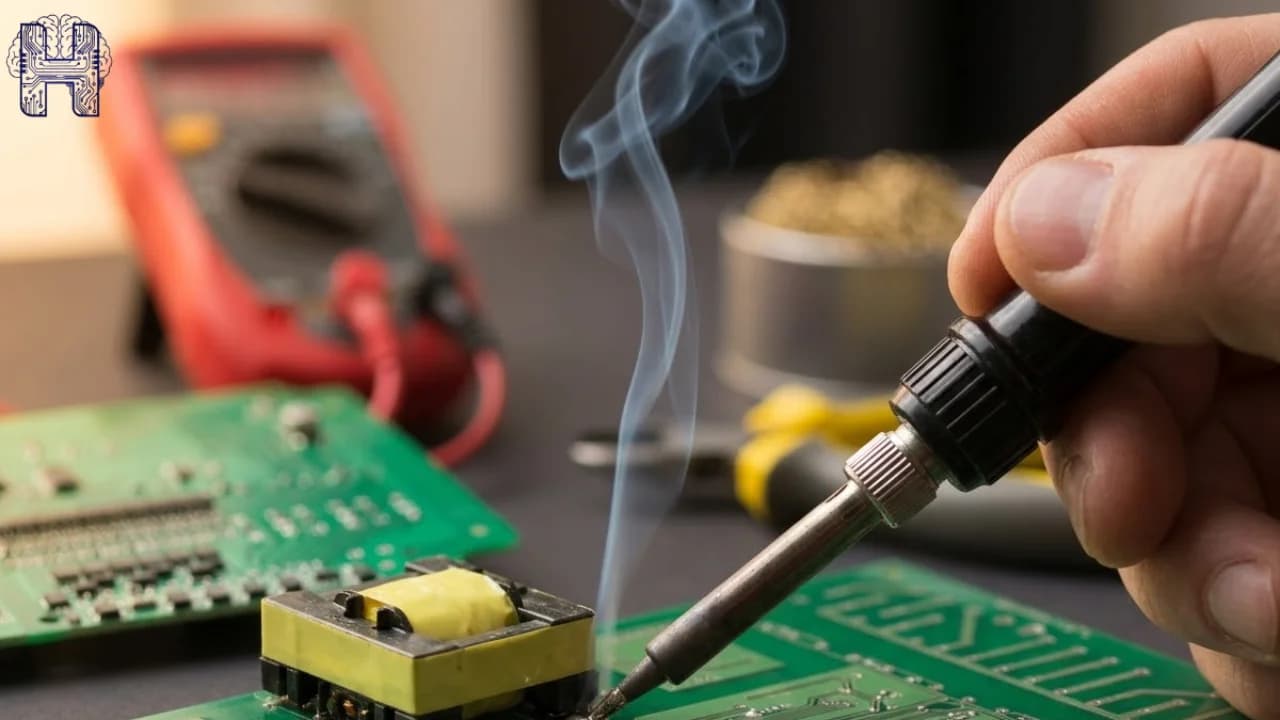
Designing an electronics PCB can be challenging for beginners. From choosing the wrong components to making routing errors, small issues can affect circuit performance, reliability, and manufacturing. Understanding common PCB design mistakes early can help you create a better PCB board and reduce costly revisions.
Every electronics project lives or dies by its PCB design. Whether you're building a simple sensor circuit or a complex embedded system, the printed circuit board is the backbone that connects every component. Yet beginners and even some experienced designers repeatedly fall into the same traps. These common mistakes don't just cause board failures; they lead to costly respins, manufacturing delays, and frustrating debugging sessions. At Helektron.ai, we've reviewed countless boards from first-time designers, and the same PCB design errors show up again and again. Here's what to watch for.
Why PCB Design Mistakes Matter
Some of the most frequent PCB design mistakes for beginners include incorrect component selection, PCB footprint errors, poor component placement, incorrect trace widths, grounding problems, and skipping design validation. These Beginner PCB design errors can result in failed prototypes, manufacturing delays, or unreliable hardware. A good PCB design starts with a clear understanding of the circuit requirements and continues through schematic creation, PCB layout, testing, and manufacturing. Understanding common PCB errors early saves you time, money, and rework, especially when you're just learning tools like KiCad.
What Are the Most Common PCB Design Mistake?
1. Poor Footprint Selection PCB footprint errors happen when a component's physical dimensions don't match its schematic symbol. Always verify footprints against the manufacturer's datasheet before finalizing your circuit layout.
2. Incorrect Trace Width Calculations PCB trace width mistakes are one of the most frequent beginner PCB design errors. Traces carrying higher current need adequate copper width, or they'll overheat similar to how an undersized circuit breaker fails to handle load safely. Use a trace width calculator based on current and copper thickness.
3. Grounding and Ground Plane Issues PCB grounding mistakes, like fragmented ground planes or missing ground vias, introduce noise and instability. A solid, continuous ground plane is essential for clean signal paths in any electronics design.
4. Weak PCB Layout Planning PCB layout mistakes such as poor component placement, crossed high-speed traces, or ignoring signal flow create long-term reliability problems. Following proper PCB design guidelines from the start prevents costly redesigns.
5. Ignoring Design for Manufacturing (DFM) PCB design for manufacturing is often skipped by beginners. PCB DFM mistakes like insufficient clearances or unrealistic hole sizes lead directly to PCB manufacturing mistakes and PCB manufacturing errors at the fab house, delaying your entire project.
6. Skipping Design Rule Checks A PCB design rule check catches issues before manufacturing. PCB DRC errors and PCB DRC mistakes overlapping traces, spacing violations are easy to miss without running this step in tools like KiCad.
7. Rushing PCB Prototyping PCB prototype mistakes often stem from skipping a final review. Always double-check your design before sending it for prototyping one overlooked error can mean an entire batch of unusable boards.
How to Avoid These PCB Design Mistakes
- Verify footprints against datasheets
- Calculate trace widths based on current load
- Design a solid, unbroken ground plane
- Run DRC and DFM checks before every submission
- Review your layout systematically, section by section
- Use simulation and validation tools before prototyping
How Helektron.ai Helps Prevent PCB Design Mistakes
Helektron.ai simplifies the electronic design workflow by helping users move from circuit requirements toward a complete PCB design more efficiently. Instead of handling every stage manually, users can describe their requirements and work toward schematic and PCB development through an AI-assisted workflow. Helektron.ai also helps make electronic design more accessible to beginners by bringing circuit creation, simulation, and PCB design into a more streamlined process. This can help users understand their electronics PCB circuit while developing it rather than treating the PCB as only a collection of connections. For beginners, this approach can reduce the complexity associated with traditional PCB tools while helping them identify potential issues earlier in the design process.
For further Details contact Team Helektron at +91 87965 06854 Read: Why PCB Designs Keep Failing at the Verification Stage Or visit website helektron.ai