AI Schematic Generator: How to Turn a Text Prompt Into a Circuit Design
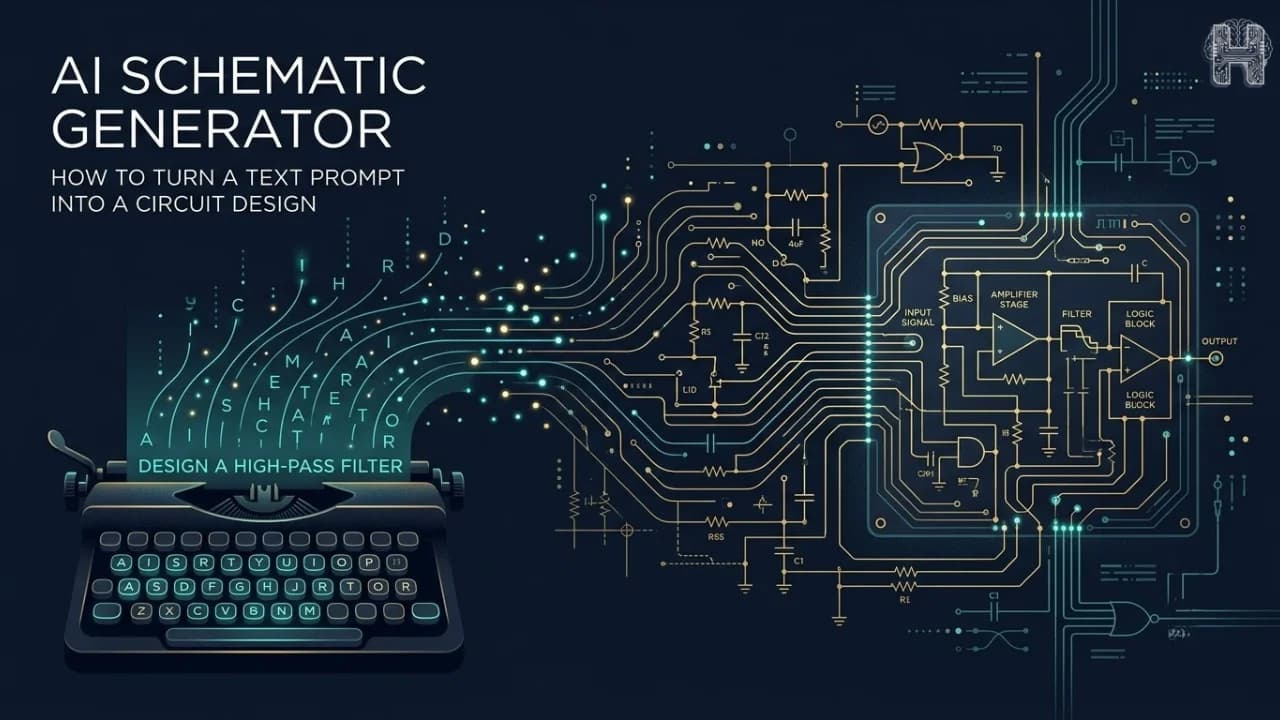
Electronic design has traditionally required specialized knowledge, schematic tools, component libraries, and significant manual effort. From creating a circuit to designing a PCB board, engineers often work through multiple stages before a design is ready for PCB manufacturing. Today, AI is changing this workflow through AI circuit design, making electronic design faster, more accessible, and easier to explore.
An AI circuit design generator can interpret a user's requirements and help transform a simple idea or simple prompt into an electronic schematic. This approach, often called text to schematic AI, allows users to describe what they want to build without starting from a blank design canvas.
What Is an AI Schematic Generator?
An AI schematic generator is a tool that uses artificial intelligence to help create electronic schematics from natural-language instructions. Instead of manually placing every component and creating connections, users can describe their circuit requirements in a prompt. For example, a user could enter: “Create a 5V LED circuit with a resistor and switch.” An AI-powered system can interpret these requirements and generate a corresponding circuit schematic. Unlike a basic circuit diagram generator that may simply create visual diagrams, AI-based tools can help understand circuit requirements and support the broader circuit design process.
How Does an AI Schematic Generator Work?
An AI schematic generator generally follows a simple workflow: Text prompt → Circuit requirements → Components and connections → Schematic → PCB design First, the AI interprets the user's description and identifies important requirements such as voltage, components, inputs, outputs, and connections. It then uses this information to create a structured schematic. Once the schematic is ready, the design can potentially move toward PCB design, where the circuit is converted into a physical PCB board layout suitable for further development and manufacturing. This can significantly reduce repetitive work during the early stages of electronic design.
How to Turn a Text Prompt into a Circuit Design?
Creating a design starts with a simple prompt. Describe your project goal for example, "a 5V power supply for an Arduino using a linear regulator" and the AI generates a schematic that meets those requirements. From there, most platforms let you refine the design, review component choices, and export files ready for pcb manufacturing. This workflow removes the steep learning curve traditionally associated with tools like KiCad, making circuit design accessible to beginners while still producing manufacturing-ready output.
What Should You Include in an AI Circuit Design Prompt?
The quality of your schematic depends on the quality of your prompt. A strong prompt for a circuit diagram generator should include:
- Circuit purpose: Explain what the circuit should do.
- Power requirements: Mention operating voltage and relevant power constraints.
- Components: Specify required sensors, ICs, LEDs, microcontrollers, or other components.
- Inputs and outputs: Clearly describe how the circuit should interact with external devices.
- Connections: Include important communication protocols or connection requirements.
- Design constraints: Mention size, component preferences, or other limitations when relevant.
The more context you provide, the closer the AI-generated schematic will be to your final design.
How Helektron.ai Turns Text Prompts into Circuit Schematics
Helektron.ai is built around this exact workflow. Describe your circuit in everyday language and simple prompt, and Helektron generates a complete schematic no prior electronics knowledge needed. It goes further than most tools by also producing pcb design layouts and manufacturing-ready files, closing the gap between idea and prototype. Compared with the debate of AI circuit design vs traditional PCB software, Helektron isn't meant to replace tools like KiCad entirely it accelerates the early design phase, so engineers and beginners alike can move from concept to a manufacturable board faster. As one of the tools shaping the conversation around the best AI PCB design tools 2026, Helektron.ai offers a genuinely free AI schematic generator experience for anyone who wants to explore AI-powered hardware design from students learning the basics to startups validating their next product idea. Ready to try it? Describe your circuit, and let Helektron turn it into a schematic in seconds.
For further Details contact Team Helektron at +91 87965 06854 Or visit website helektron.ai