Best PCB Circuit Board Design Software Tools in 2026 (Free & Paid)
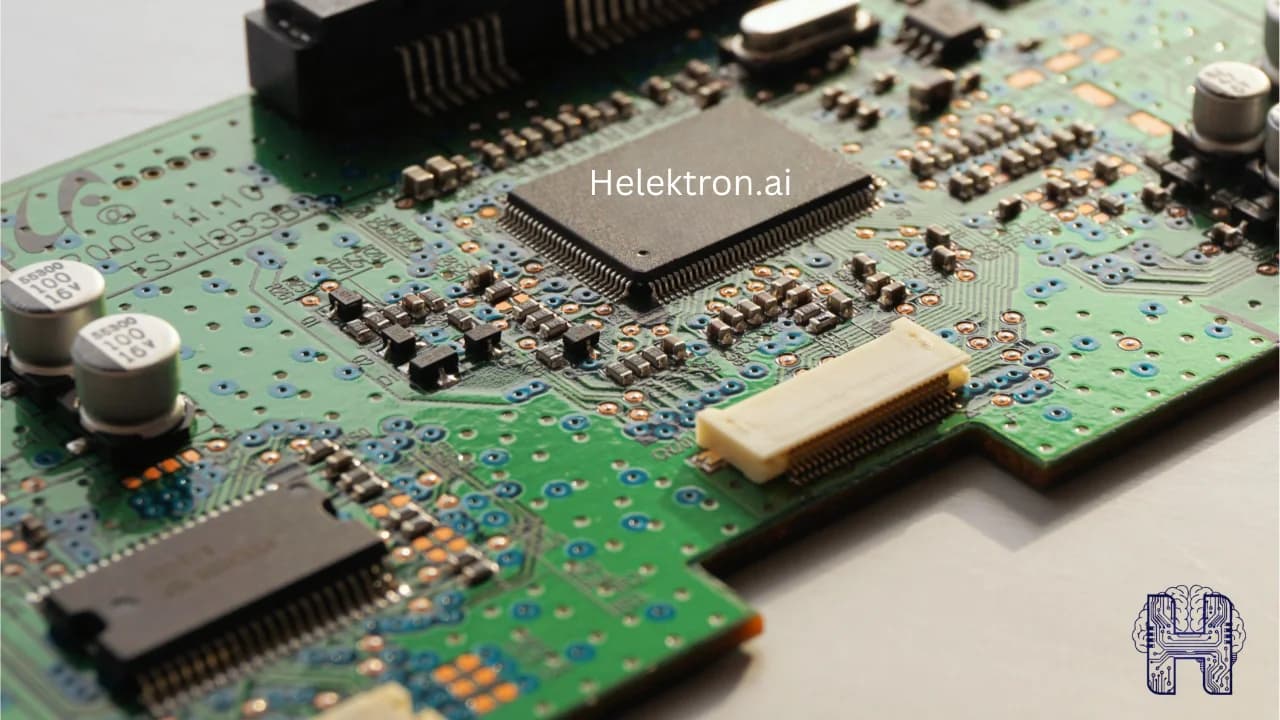
Choosing the right PCB circuit board design software can make or break a hardware project. Whether you're a hobbyist building your first board or an engineer managing complex multilayer boards headed for PCB board fabrication, the tool you pick affects your speed, accuracy, and learning curve. In 2026, the landscape spans free open-source editors, premium professional suites, and a new generation of AI PCB design tools that are changing how boards get made.
Designing a reliable printed circuit board starts with choosing the right software. Whether you're a beginner building your first PCB or an experienced engineer developing complex hardware, selecting the right pcb circuit board design software can significantly improve productivity, accuracy, and manufacturing readiness. In 2026, the market offers everything from open-source platforms to enterprise-grade applications and modern AI-powered solutions. This guide compares the best PCB design software 2026 to help you choose the right tool for your workflow.
What to Look for in PCB Design Software
Good PCB layout software should offer schematic capture, routing, a solid component library, design rule checks, and clean export for PCB board fabrication. Beyond that, consider your platform (many tools differ in best PCB design software for Mac / Windows availability), your budget, and whether you want a traditional manual workflow or an AI-assisted one.
What Makes a Good PCB Design Software?
The ideal pcb design software should provide more than just schematic capture. It should simplify the complete hardware development process, including PCB layout, simulation, verification, collaboration, and preparation for pcb board fabrication.
Key features to look for include:
- Intuitive schematic editor
- Advanced PCB layout software
- Design Rule Check (DRC)
- 3D PCB visualization
- Component libraries
- Simulation capabilities
- AI-assisted routing and optimization
Modern printed circuit board design tools are increasingly integrating artificial intelligence to automate repetitive design tasks while reducing errors.
Best PCB Circuit Board Design Software Tools in 2026 1. Helektron AI- The Next Generation AI PCB Design Tool Helektron AI circuit design is transforming how engineers and beginners create electronic hardware. Instead of manually drawing every connection, users can generate schematics, optimize layouts, and accelerate development using intelligent automation. As an advanced AI PCB design tool and AI circuit design software, Helektron AI helps users move from an idea to a manufacturable PCB much faster than traditional workflows. Best for: AI-assisted circuit creation, rapid prototyping, intelligent PCB workflows, and modern hardware development.
2. KiCad KiCad PCB design continues to be one of the most popular open-source options available today. Best for: free PCB design software choices for students, makers, startups, and even many professional engineers.
3. EasyEDA EasyEDA is a browser-based pcb board design software that combines schematic design, PCB layout, simulation, and manufacturing integration in a single platform. When comparing EasyEDA vs KiCad, EasyEDA is easier for beginners because it requires no installation, while KiCad offers greater flexibility and advanced capabilities. Best for: Beginners, hobbyists, and cloud-based collaboration.
Free vs Paid PCB Design Software
The debate around free vs paid PCB design software depends on project complexity. Free software generally offers:
- Zero licensing cost
- Excellent learning environment
- Strong community support
- Suitable for hobby and academic projects
Paid software typically includes:
- Advanced routing algorithms
- Enterprise collaboration
- Better technical support
- Manufacturing integrations
- Professional verification tools
For many startups, beginning with free software and upgrading as projects scale is a practical approach.
Which PCB Design Software Should You Choose?
The best pcb layout software depends on your goals.
- Beginners can start with KiCad or EasyEDA.
- Professional engineering teams often choose Altium Designer for advanced workflows.
- Companies seeking faster hardware development should consider an intelligent AI PCB design tool like Helektron AI circuit design, which combines automation with modern engineering workflows to reduce design time while improving accuracy.
At Helektron.ai
The evolution of pcb circuit board design software is making electronics development faster, smarter, and more accessible than ever. Whether you're looking for the best free PCB design software, evaluating an Altium Designer alternative, comparing EasyEDA vs KiCad, or adopting an advanced AI circuit design software, selecting the right platform can dramatically improve your design efficiency and product quality. As AI continues to reshape electronic engineering, solutions like Helektron AI circuit design represent the next generation of intelligent pcb design software, helping innovators create high-quality PCB layouts ready for successful pcb board fabrication with greater speed and confidence.
For further Details contact Team Helektron at +91 87965 06854 Read more about: The Quiet Brain Behind Every Device: What Are PCBs Used For? Or visit website helektron.ai