How Helektron.ai Simplifies PCB Design: A Faster Alternative Before Exporting to KiCad Software
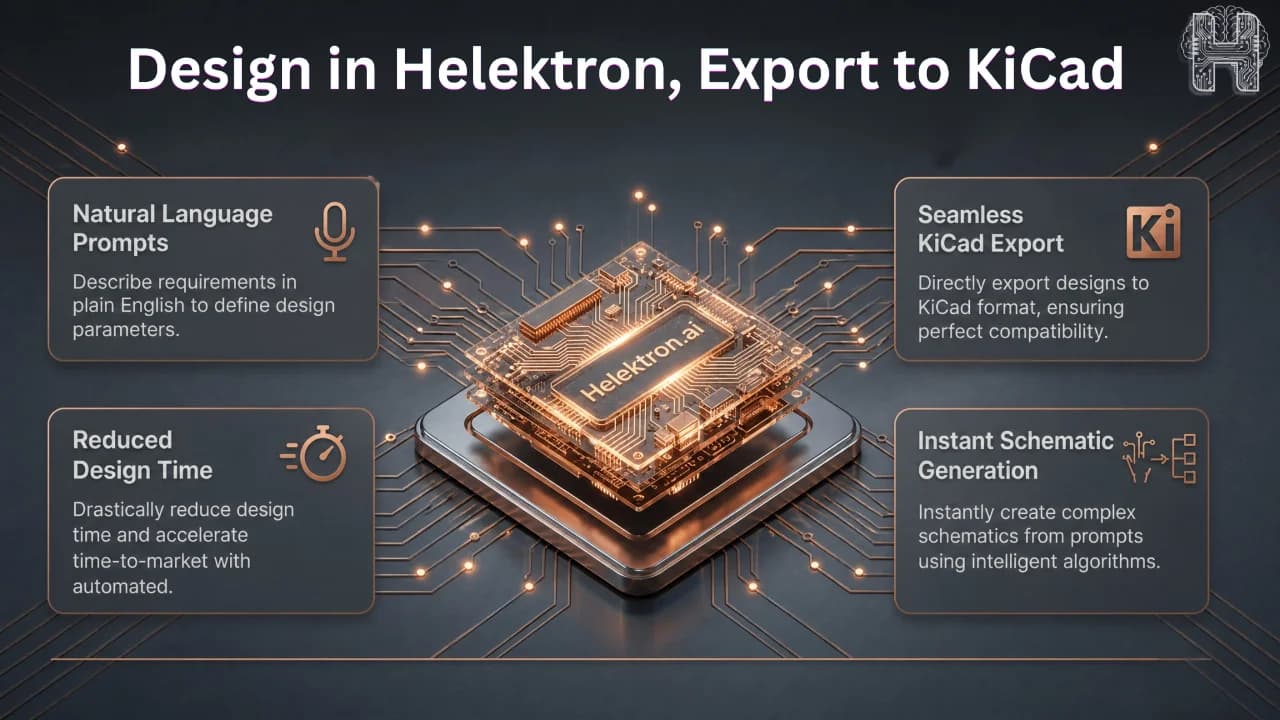
Traditional PCB design often begins with creating a schematic manually, selecting components one by one, assigning footprints, and then moving to PCB layout. While KiCad software remains one of the most trusted open-source tools for professional circuit board design, the way engineers build electronic products is rapidly evolving.
Today, AI-powered platforms like Helektron.ai simplify the most time-consuming stages of the design process. Instead of starting with a blank schematic, you can describe your project in plain language, generate an intelligent circuit design, and then seamlessly continue the workflow in KiCad for layout optimization and manufacturing. This combination allows engineers, students, makers, and hardware teams to design faster without compromising on quality.
What Is KiCad Software?
KiCad software is a free and open-source Electronic Design Automation (EDA) suite used for PCB board design, schematic capture, PCB layout, design verification, and manufacturing file generation. It offers powerful features including footprint libraries, design rule checking. KiCad is widely used because it gives designers complete control over the physical PCB layout. However, creating a design manually still requires technical knowledge and considerable effort, particularly during the early stages of circuit creation.
Is KiCad Good for Beginners?
Yes, Beginners must understand symbols, nets, footprints, routing, and design rules before creating a reliable pcb board design. Although there are many KiCad schematic tutorials available, building even a simple project manually often requires significant time and practice.
Start Your PCB Design with Helektron.ai
Instead of manually drawing every connection, Helektron.ai allows you to begin with your idea. Simply describe the circuit you want to build, and the platform helps generate an initial schematic, recommends suitable components, and accelerates the overall PCB design process. This removes much of the repetitive work involved in creating a design from scratch while still allowing you to review, modify, and understand every part of the circuit. For users searching how to create a schematic in KiCad, Helektron.ai offers a faster starting point. Rather than spending hours placing symbols and wiring connections manually, you can generate a strong foundation in minutes before moving into detailed PCB layout.
From AI-Generated Schematic to KiCad
Once your schematic is ready in Helektron.ai, the next stage is refining it for manufacturing using KiCad. A modern workflow looks like this:
- Generate your circuit using Helektron.ai.
- Review and optimize the schematic.
- Export the design for KiCad compatibility.
- Complete PCB component placement.
- Route copper traces.
- Run Electrical Rule Check (ERC) and Design Rule Check (DRC).
This approach combines the speed of AI with the precision and manufacturing capabilities of KiCad.
Why Combine Helektron.ai with KiCad?
Rather than replacing KiCad software, Helektron.ai complements it by improving the earliest stages of product development. With Helektron.ai, you can:
- Generate schematics from natural language prompts.
- Discover relevant electronic components faster.
- Reduce repetitive manual design tasks.
- Learn electronics while building practical circuits.
- Validate ideas before committing to PCB layout.
- Reach manufacturing-ready designs in significantly less time.
KiCad then becomes the ideal platform for fine-tuning layouts, performing detailed verification, and preparing production-ready files.
The Future of PCB Design
Modern hardware development is shifting toward AI-assisted engineering. Engineers no longer need to choose between traditional software and artificial intelligence they can benefit from both. By starting your project in Helektron.ai and using KiCad software for PCB layout refinement and manufacturing, you gain the best of both worlds: faster design iterations, fewer manual errors, and a more efficient development workflow. Whether you're creating your first prototype or developing a commercial electronic product, combining AI-driven circuit generation with KiCad's professional manufacturing tools helps you move from concept to finished PCB more quickly and confidently.
For further Details contact Team Helektron at +91 87965 06854 Read more about: Best PCB Circuit Board Design Software Tools in 2026 (Free & Paid) Or visit website helektron.ai