How to Design Your First PCB in a Browser-Based Tool: Step by Step Guide
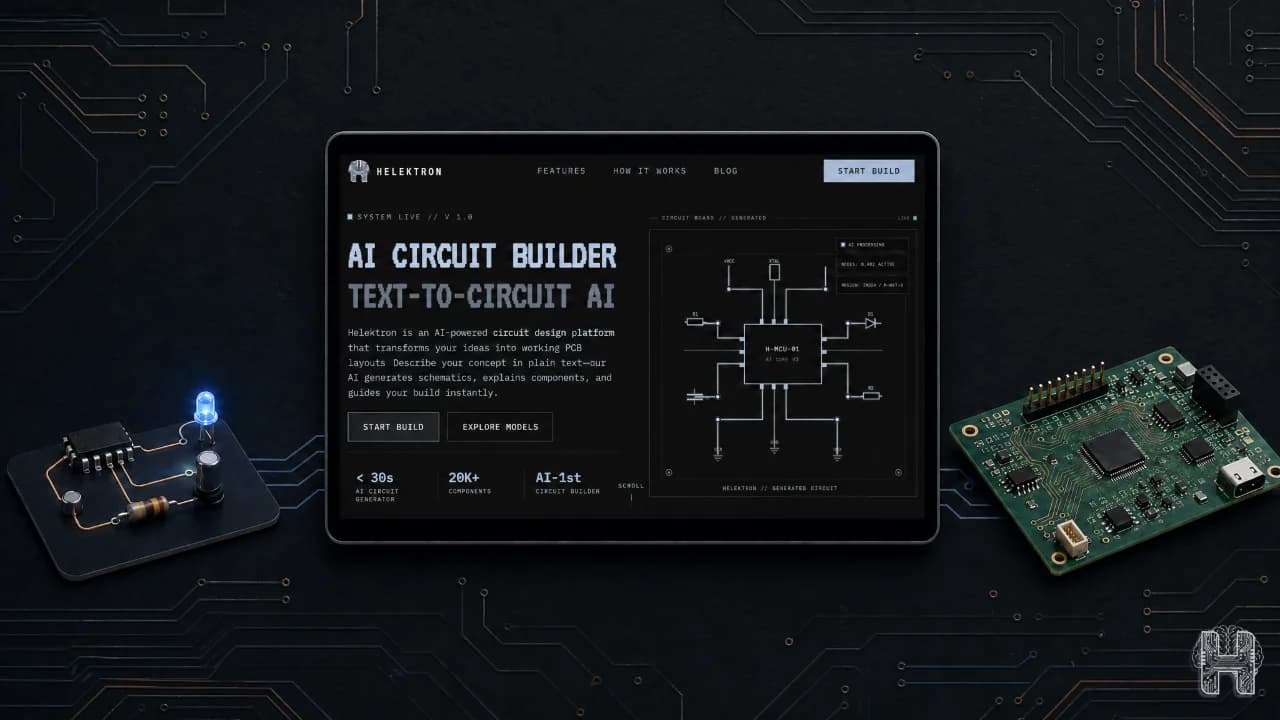
Designing your first printed circuit board can seem complicated, especially if you are new to electronics. Traditional PCB design software such as EasyEDA and Altium Designer provides powerful features, but beginners may still face a learning curve when moving from a circuit idea to a complete PCB board design.
Today, PCB design online is making the process more accessible. With a browser-based PCB design tool like Helektron.ai, you can work on your circuit without downloading or installing desktop software. This makes PCB design for beginners simpler, faster, and more accessible.
What Is PCB Design? PCB design is the process of turning a circuit schematic into a physical circuit board design. It involves selecting components, arranging them on a board, connecting them with copper traces, checking design rules, and preparing the necessary manufacturing files. Whether you use EasyEDA, Altium Designer, or an AI-powered platform, the basic workflow remains similar: create the circuit, develop the PCB layout design, route connections, verify the board, and prepare it for manufacturing.
How to Design Your First PCB Online with Helektron.ai
If you are wondering how to design your first PCB, Helektron.ai provides a browser-based approach that removes the need for software downloads. You can access Helektron.ai directly through your browser and begin working on your design without installing a traditional PCB design software package. This makes online PCB design especially useful for students, makers, hobbyists, and beginners who want to learn by building.
Building PCB Design using Helektron: Step by Step
A simple PCB design step by step workflow can be divided into a few important stages. 1. Describe or create your circuit: Start by defining what you want your circuit to do. With Helektron.ai, you can use AI-assisted design and text to schematic PCB design to turn a description of your circuit into a starting schematic. 2. Review the schematic: Check the components, values, connections, and overall circuit functionality before moving toward the board. 3. Create the PCB layout: Arrange components on the board and define how the connections will be routed. Good PCB layout design helps create a functional and manufacturable board. 4. Route the connections: Connect components using appropriate PCB traces while considering spacing, board dimensions, and design requirements. 5. Check the design: Run design-rule checks to identify potential connectivity, spacing, or layout problems before manufacturing. This workflow gives beginners a clear understanding of how to design a PCB online without becoming overwhelmed by complex tools using helektron
Why Choose a Browser-Based PCB Design Tool?
Traditional tools like Altium Designer are powerful, but they're built for professional engineers, require installation, and come with a steep price tag. Even browser-friendly options like EasyEDA still expect you to manually place components and route traces yourself. Helektron.ai is different. As a fully browser based PCB design tool, it runs entirely online you simply open a tab and start designing. There's nothing to install, no system requirements to worry about, and no compatibility issues across devices. This makes it one of the most accessible entry points for PCB design for beginners.
Why Choose Helektron.ai for PCB Design?
Helektron.ai brings PCB design online through a browser-based workflow that requires no download or installation. You can start with an idea, create your circuit, and progress toward PCB design directly from your browser. For anyone searching for PCB design for beginners, an online workflow can reduce the initial barrier of learning complex desktop applications. Rather than spending time installing and configuring software, you can focus on understanding your circuit and building your design. Thus, it’s time to Start Your First PCB with Helektron.ai
For further Details contact Team Helektron at +91 87965 06854 Read: 7 Common PCB Design Mistakes Beginners Make and How to Avoid Them Or visit website helektron.ai