What Is a BOM in PCB Design? Complete Guide for Beginners
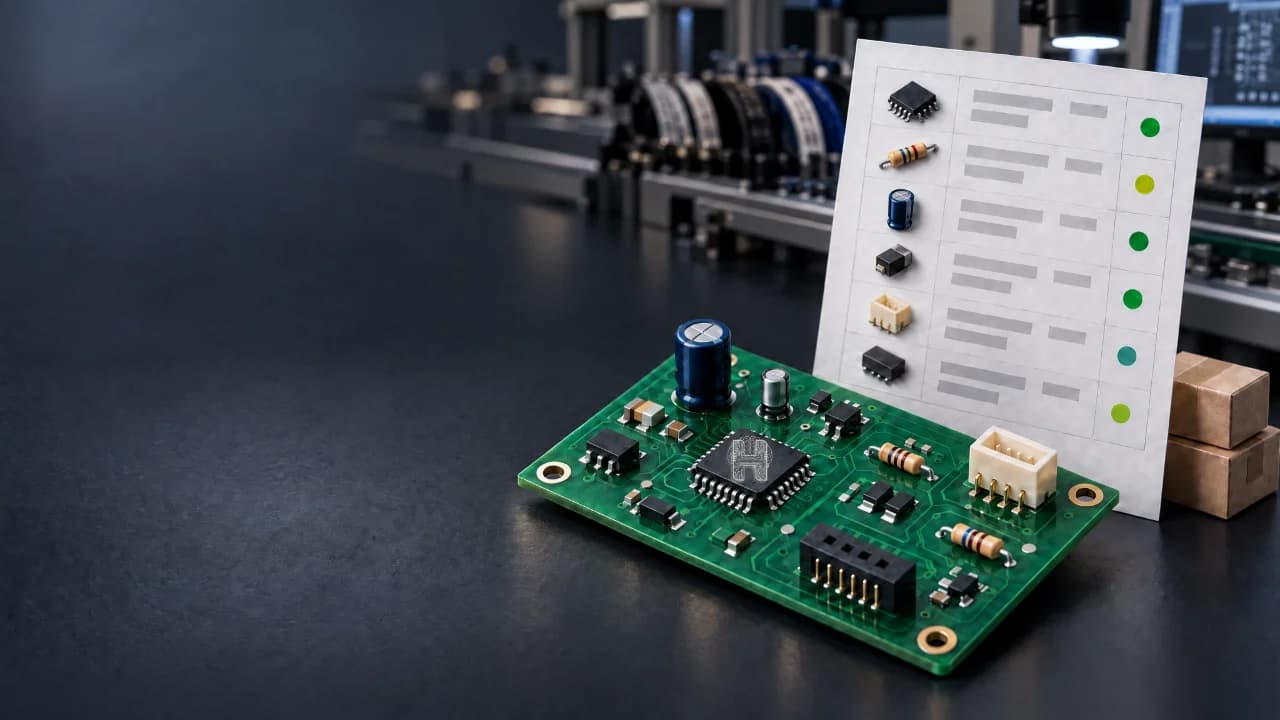
Designing a PCB is not only about drawing circuits and placing components on a board. Once a design is ready for manufacturing, you also need to know exactly which components are required, how many are needed, and which specific parts should be purchased. This is where a BOM, or Bill of Materials, becomes an important part of the PCB design workflow. For anyone learning PCB design for beginners, understanding a BOM helps connect the gap between a circuit idea and a physical product. Modern AI-powered PCB design platforms such as Helektron.ai can help users move through the design process more efficiently, while the BOM provides the structured component information needed for the next stages.
What Is a BOM in PCB Design?
BOM is a structured list of electronic components required to manufacture and assemble a PCB. A BOM or Bill of Materials is a structured list of all the components and materials required to build a product or assembly. In electronics, a BOM can include resistors, capacitors, integrated circuits, connectors, sensors, LEDs, switches and other components. A PCB A PCB BOM is specifically associated with the components required to build a printed circuit board assembly. BOM is simply the component and part information required to manufacture and assemble a PCB.
What Information Does a PCB Bill of Materials Contain?
A PCB bill of materials can contain much more information than just component names. The exact fields depend on the design and manufacturing requirements, but a typical bill of materials PCB may contain:
- Reference designator such as R1, C1, or U1
- Component name and description
- Component value
- Quantity
- Package or footprint
- Manufacturer
- Manufacturer part number
- Supplier or distributor
- Component availability
- Approved alternatives or substitutes
For example, if a circuit contains five resistors of the same value, the BOM can identify the relevant references and specify the required quantity. This makes the BOM an important connection between electronic design and PCB assembly.
Why Is a BOM Important in PCB Design?
A schematic explains how the circuit is electrically connected, while the PCB layout shows how the components and connections are physically arranged. The BOM answers another important question: Which physical components are needed to build the design? A properly prepared BOM can help with:
- Component purchasing
- Manufacturing preparation
- PCB assembly
- Cost estimation
- Inventory planning
- Component identification
- Part substitution
- Production documentation
For a small prototype, managing a few components may seem simple. However, as a project becomes more complex, the number of components and part variations can increase quickly. This is where structured PCB BOM management becomes important.
What Is a PCB Assembly BOM?
A PCB assembly BOM is the component list used when assembling a populated PCB. It provides manufacturers or assembly teams with information about which parts need to be placed on the board. The BOM for PCB assembly may need to include manufacturer part numbers, quantities, package information, and approved alternatives. Accurate information is especially important when two components look similar but have different electrical specifications, footprints, or operating characteristics.
How to Create a PCB BOM?
If you are wondering how to create a PCB BOM or how to make a BOM for PCB, the process normally begins with the circuit design. 1. Define the circuit requirements Start with the functionality you want the circuit to perform. For example, you might need a voltage regulator, sensor interface, microcontroller circuit, or LED driver. 2. Create the schematic The required electronic components are selected and connected in the schematic. Each component should have appropriate values and identifiers. 3. Assign component information Components should have relevant information such as values, packages, footprints, and part numbers. 4. Review the design Check for missing components, incorrect values, duplicate references, and unsuitable part selections. 5. Generate the BOM Once the design information is organized, the component information can be exported into a structured BOM.
BOM Requirements for PCB Assembly
The BOM requirements for PCB assembly depend on the manufacturer and project. However, accurate component identification is essential. A manufacturing-ready BOM should make it clear:
- What component is required
- How many are required
- Which exact part should be used
- What package or footprint is expected
- Whether approved alternatives are available
Incorrect or incomplete information can create delays during sourcing or assembly.
BOM Management in PCB Design
BOM management in PCB design becomes particularly important when a project changes over time. A component may become unavailable, reach end-of-life, increase in price, or be replaced by another compatible component. Engineers may therefore need to update component information while maintaining consistency between the schematic, PCB layout, and manufacturing documentation. Effective PCB BOM management helps keep these changes organized and reduces the possibility of manufacturing the wrong version of a design.
How Helektron.ai Simplifies BOM Creation?
Helektron.ai is a browser-based AI PCB design platform that brings AI into the electronic design process without requiring a traditional desktop installation. Instead of beginning with a blank design environment and manually building every part of a circuit, users can describe what they want to create and work toward a structured circuit design. For example, a user could describe a requirement such as: “Design a 5V to 3.3V power supply for a battery-powered sensor.” An AI-assisted workflow can help translate the circuit requirement into a design that can then be reviewed and refined. The BOM fits into this larger process because a complete electronic design ultimately needs more than a schematic. Component selection, component information, PCB layout, design verification, and manufacturing preparation all contribute to turning a circuit idea into a physical product. For beginners, this workflow can make it easier to understand how an initial idea progresses through different stages of PCB development. Also read - How Helektron Works: Complete Guide to AI-Powered PCB Design For further details contact Team Helektron at +91 87965 06854 Visit website- Helektron.ai